


How to Reset Garage Opener After Power Outage
- Mike Davis
- Apr 28
- 6 min read

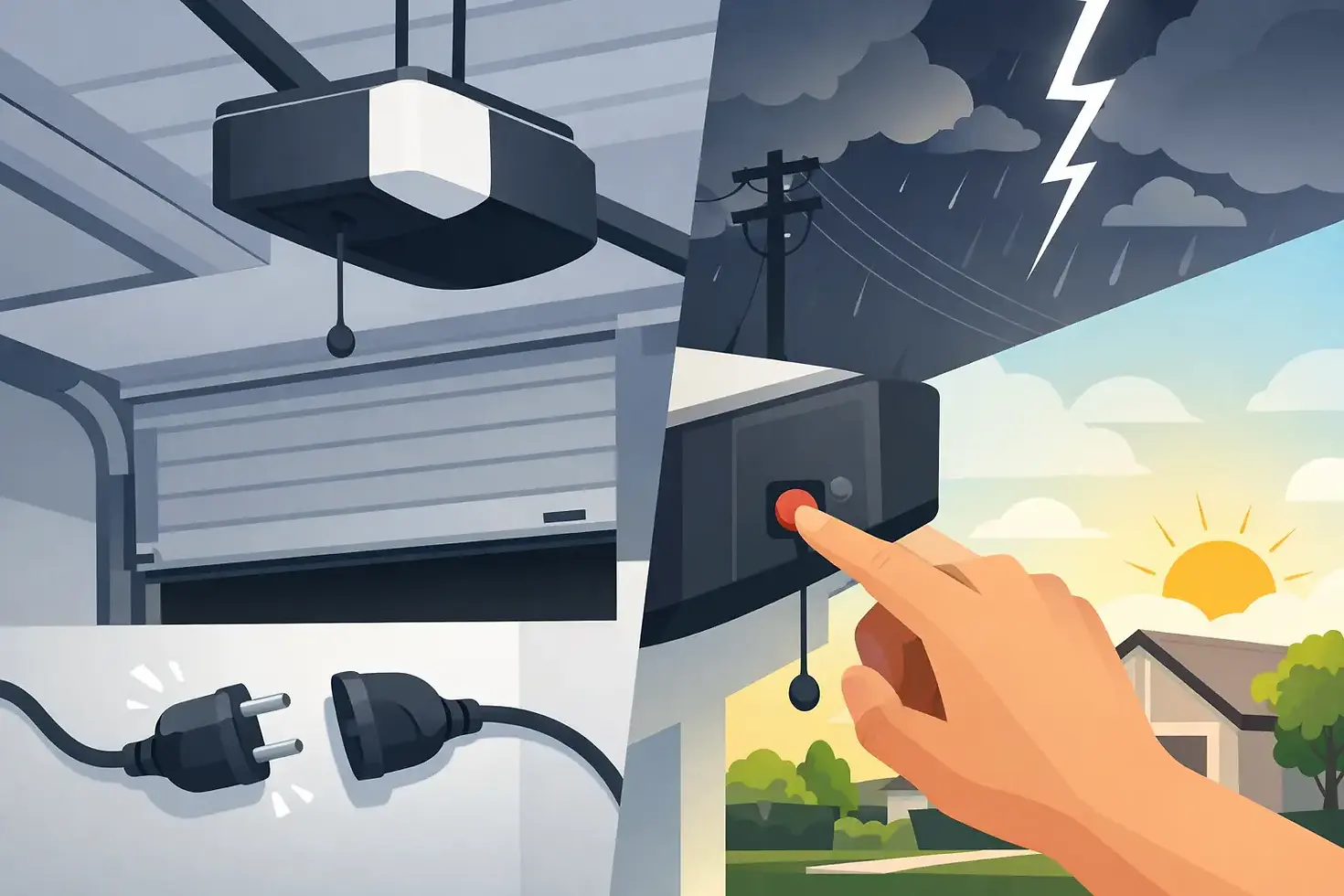
The power comes back on, but the garage door opener still acts like it never got the message. The remote does nothing, the wall button blinks, or the door moves a few inches and stops. If you are trying to figure out how to reset garage opener after power outage, the fix is often simple - but only if the opener, trolley, and safety settings are all back in sync.
How to reset garage opener after power outage
Start with the basics before assuming the opener has failed. A power outage can interrupt the opener’s memory, trip a GFCI outlet, disengage the trolley, or throw off the travel settings. In some cases, the opener is fine and the real issue is that the door was pulled into manual mode during the outage and never reconnected.
First, make sure the opener has power. Check whether the ceiling unit has lights or any display on the back or side. If it looks dead, test the outlet. Many garage openers are plugged into a ceiling outlet tied to a GFCI circuit, and that outlet may need to be reset after an outage. If the breaker tripped, reset it once. If it trips again, stop there. That points to an electrical issue, not just an opener reset.
If the opener has power but the door will not respond normally, look at the red emergency release cord. If someone pulled that cord while the power was out, the opener carriage may be disconnected from the door. That means the motor can run, but the door will not move with it.
Reconnect the garage door trolley first
This is the step a lot of people miss. Pulling the emergency release puts the door into manual operation, which is useful during an outage. Once power returns, though, the opener has to be re-engaged.
Make sure the garage door is fully closed if possible. Then pull the emergency release cord toward the opener or toward the door, depending on the model, until the release lever resets into the reconnect position. After that, press the wall button or remote. On many openers, the trolley will slide and click back into place automatically.
If it does not reconnect on the first try, do not force it. Manually move the door a little, then try the opener again. The goal is to line up the carriage and trolley so they catch properly. If the door feels unusually heavy or jams while moving by hand, stop. That is not a reset problem. That is often a broken spring or cable problem, and running the opener against that kind of resistance can burn out the motor.
Reset the opener unit
If the trolley is connected and the opener still will not work right, unplug the opener from the outlet for about 30 to 60 seconds. Then plug it back in. This simple power cycle clears minor electronic glitches on many LiftMaster, Chamberlain, Craftsman, Genie, and similar systems.
Once it powers back up, test the wall button first. If the wall control works but the remote does not, the opener itself may be fine and only the remote connection needs to be restored. If neither one works, pay attention to blinking lights or error codes. Those clues matter. A flashing opener light often points to safety sensor issues, while a totally unresponsive unit may indicate board damage from a surge when the power came back on.
Some newer smart openers also need a full reset if the internal settings got scrambled. That process depends on the brand, but usually involves holding the learn or reset button for several seconds. Be careful here. On many models, holding the learn button too long erases all programmed remotes and keypad settings. Sometimes that is necessary, but you should know what you are resetting before you wipe everything out.
Restore remote and keypad function
A power outage can knock out remote programming, especially if there was a surge or low-voltage fluctuation. If the wall button works but your car remote or wireless keypad does not, reprogramming is the next step.
On most openers, you press the learn button on the motor head, then press the remote button you want to sync. The opener light usually blinks or clicks to confirm pairing. Keypads are similar, though they often require entering a PIN after pressing the learn button.
This part is model-specific, so the exact timing varies. If you have multiple remotes, test each one after pairing. It is common for one remote to reconnect and another to still fail because of a weak battery rather than a reset issue. If the keypad lights up but will not trigger the door, re-enter the PIN and sync it again.
Check the safety sensors before adjusting anything else
If your opener starts to close and then reverses, or if it clicks but does not move, check the photo-eye sensors near the bottom of the tracks. A power outage itself does not usually knock sensors out of alignment, but people often bump them during manual operation in the dark.
Look for the small LED lights on both sensors. They should be steady, not blinking. If one light is off or flickering, clean the lenses and make sure both sensors face each other directly. Even a slight shift can stop the opener from closing.
Do not start changing force settings just to make the door move. That can create a safety hazard and hide the real problem. If the sensors are aligned and the opener still reverses, the door may be binding in the tracks or the travel limits may need adjustment.
When travel limits need to be reset
Some openers lose or misread their open and close limits after power disruption, especially older units or systems that were already acting up before the outage. The signs are pretty clear: the door closes too far and reverses, stops short of the floor, or opens farther than normal.
On older openers, travel adjustment is usually done with physical screws on the motor unit labeled up and down or open and close. On newer models, there may be digital programming buttons. The adjustment has to be small and deliberate. Too much change at once can make the door slam shut or fail to seal.
If the door was working fine before the outage and now the limits are off, that can also point to a worn opener logic board. Resetting may help temporarily, but it may not hold.
Signs this is not a reset issue
Not every garage door problem after an outage is electrical. Sometimes the outage just happens at the same time a mechanical part fails. If the opener hums but the door does not move, the spring may be broken. If the door lifts crooked, a cable may have come off. If the opener strains, the door may be off track or too heavy to lift safely.
That matters because trying to reset a system with a broken spring will not solve anything. It usually makes the damage worse. Garage door openers are designed to guide the door, not dead-lift full door weight.
Here are the common red flags that mean stop troubleshooting and schedule service:
The door is extremely heavy by hand
The opener runs but the door barely moves
One side of the door hangs lower than the other
You hear a loud bang and then the door stops working
The torsion spring above the door is visibly split
The cables look loose, frayed, or off the drum
If you see any of that, do not keep hitting the remote.
How to reset garage opener after power outage without causing more damage
The safest approach is simple. Confirm power, reconnect the trolley, cycle the opener, reprogram remotes if needed, and inspect the sensors. If the door still does not operate smoothly, do not force a reset deeper into the system unless you know the opener model and the door hardware is in good shape.
That is where a lot of homeowners lose time. They think they are dealing with a simple reset, but the real problem is a weak spring, a failing capacitor, a damaged circuit board, or a door that is binding under load. A quick fix turns into a bigger repair when the opener gets pushed past its limit.
For homes and commercial properties around St. Louis, fast service matters when the garage will not close, the opener will not reconnect, or the door is stuck halfway open. Davis Door Service handles opener troubleshooting, spring and cable repair, off-track doors, and same-day garage door service with straightforward pricing and no sales pressure.
If your opener still will not reset after a power outage, trust what the door is telling you. A working system should open smoothly, close fully, and respond consistently. If it does not, the smart move is to stop guessing before a reset turns into a bigger repair bill.


Comments